
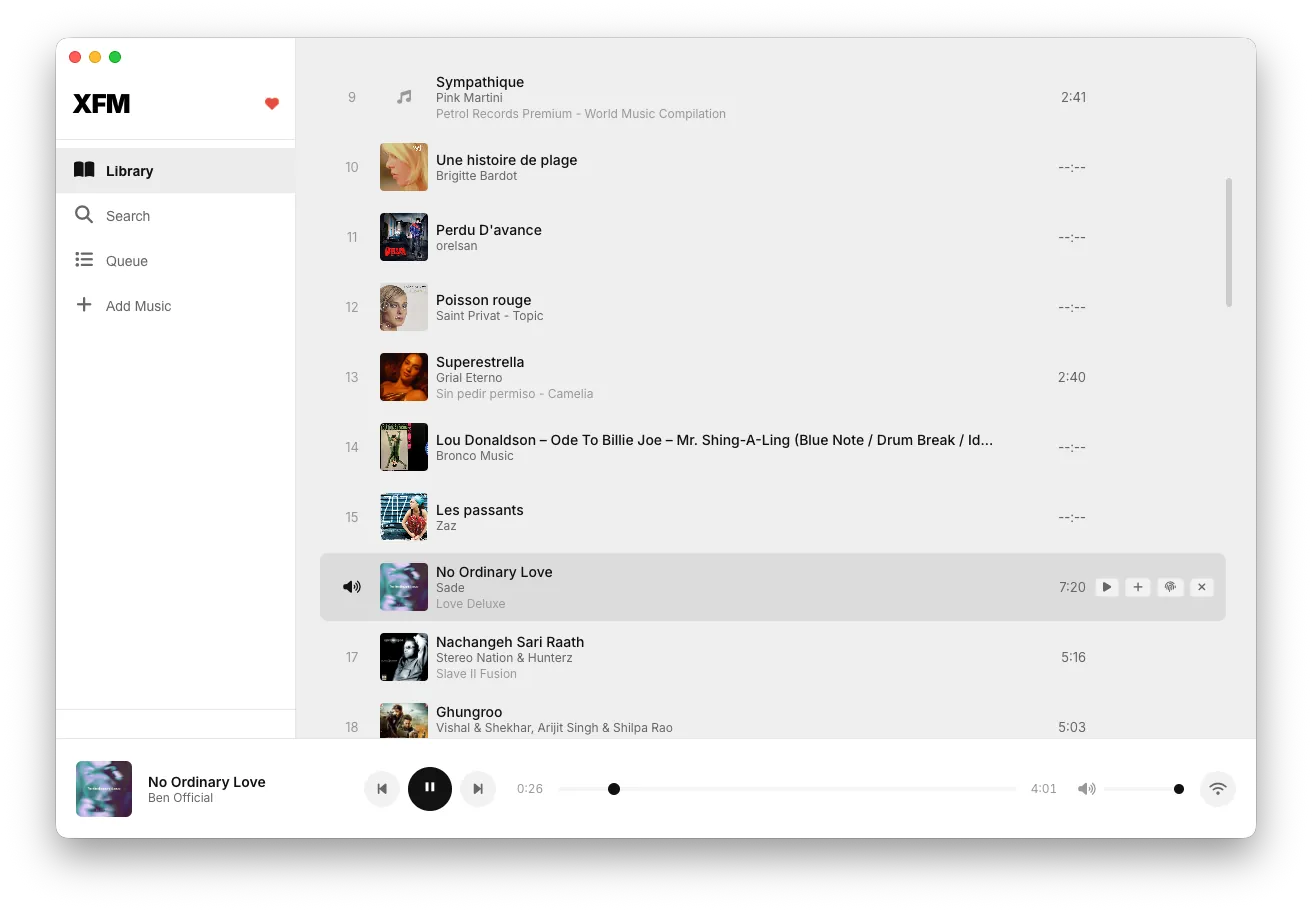
xfm is a minimal, distraction-free music player focused on the listening experience. Clean interface, no unnecessary features — just you and your music.
What it is. A local music player built around a single commitment: the music is the interface. It plays the files you already own — no store, no streaming catalogue, no account — and puts play, queue, and library within one glance’s reach. Everything else that clutters modern players was either removed or never added.
The problem it solves. Music players stopped being music players. They became storefronts with a playback feature bolted on: ads, upsells, algorithmic feeds, social features nobody asked for, and a playback screen buried under commerce. For people who own their music files and just want them played well, every mainstream option gets in the way. xfm does the one job.
Who it’s for. Listeners with a local library — collectors, audiophiles, anyone who ripped their CDs or buys from Bandcamp — and anyone who wants a player that opens instantly, plays what’s selected, and stays out of the way.
How it’s built. A lightweight application reading your local library directly: no import rituals, no cloud sync, no telemetry. The interface design follows the same discipline as the Redd Group’s web work — clear type, sensible hierarchy, and restraint — because “simple” and “cheap-looking” are different things, and most minimal players settle for the second.
A concrete use case. You get home, open xfm, and your library is there exactly as it was — no login, no “discover” tab between you and the album you sat down to hear. Hit play. That’s the whole story, and it’s the point.
Design note. Every feature that exists earns its place; the test for adding anything new is whether it serves listening. If it serves engagement metrics instead, it doesn’t get built.
See the code at github.com/sharan01x/xfm.
